Introduction
This is the first in a short series of iStill Blog posts on the firmware to our new NextGens. As you know, with the iStills NextGen, we invested heavily in upgrading the computerization, automation, and robotization. Twenty years of warrantee and thirty years of guaranteed spare parts delivery ... how is that for beefing things up? But how does the interface look? And how do you run your NextGen? In this post I will dive in deeper.
Functionality
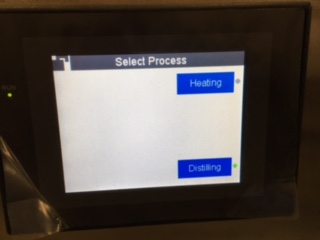
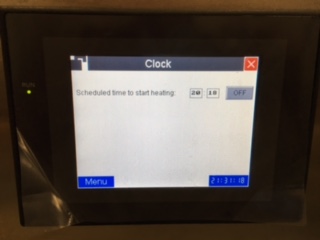
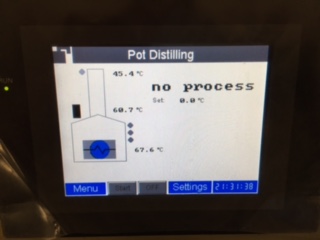
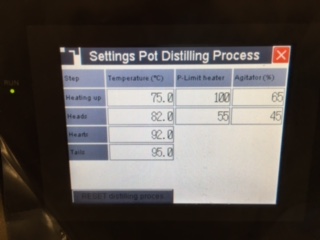
The NextGen units are extremely versatile. Depending on what configuration you choose, the unit can help you heat-up, mash, ferment, and distill. For now, let's zoom in on heating and pot distillation! The starting screen for someone that ordered the iStill NextGen with heating and pot distillation functionality looks like this:
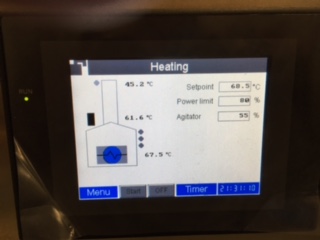
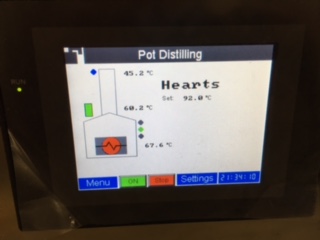
- Cooling water is flowing (blue dot on the upper left lights up);
- Agitator is running (agitator motor on the boiler lights up green);
- The heaters are on (the inside of the boiler is red);
- The Hearts Valve is opened (green dot to the right of the boiler);
- Temperatures inside the boiler, the column, and the column cooler are depicted;
- It also says: "Hearts" and tells you until what temperature it is collecting Hearts.
- Dry cooking;
- Lack of cooling water.
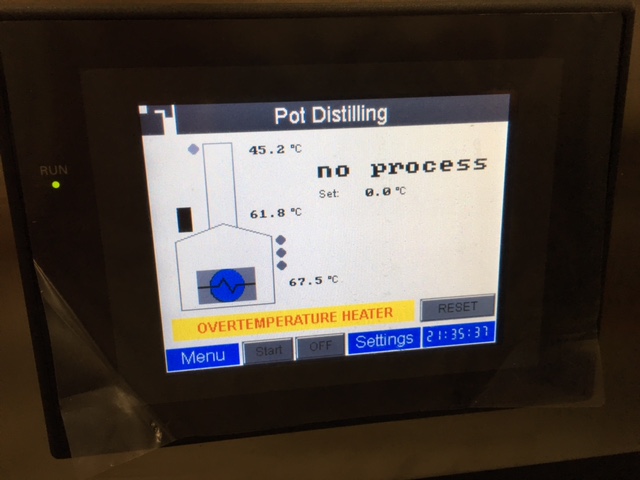
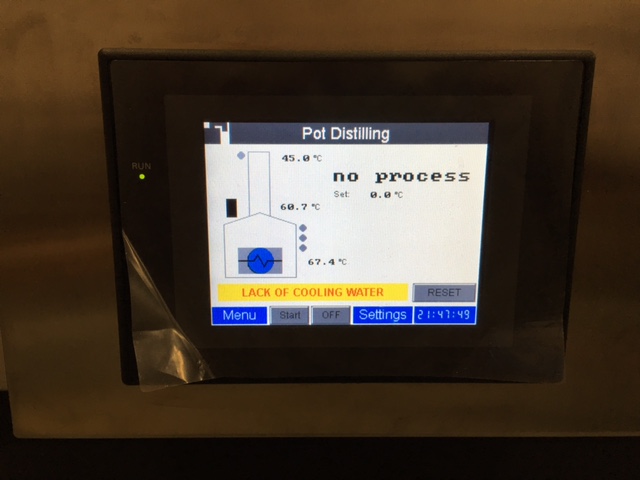
What to do? Make sure there's cooling water, press "Reset", then push "Start", and the rig will take-off where it stopped.
Regards, Odin & Team